
Reset Your Login Password
- 1
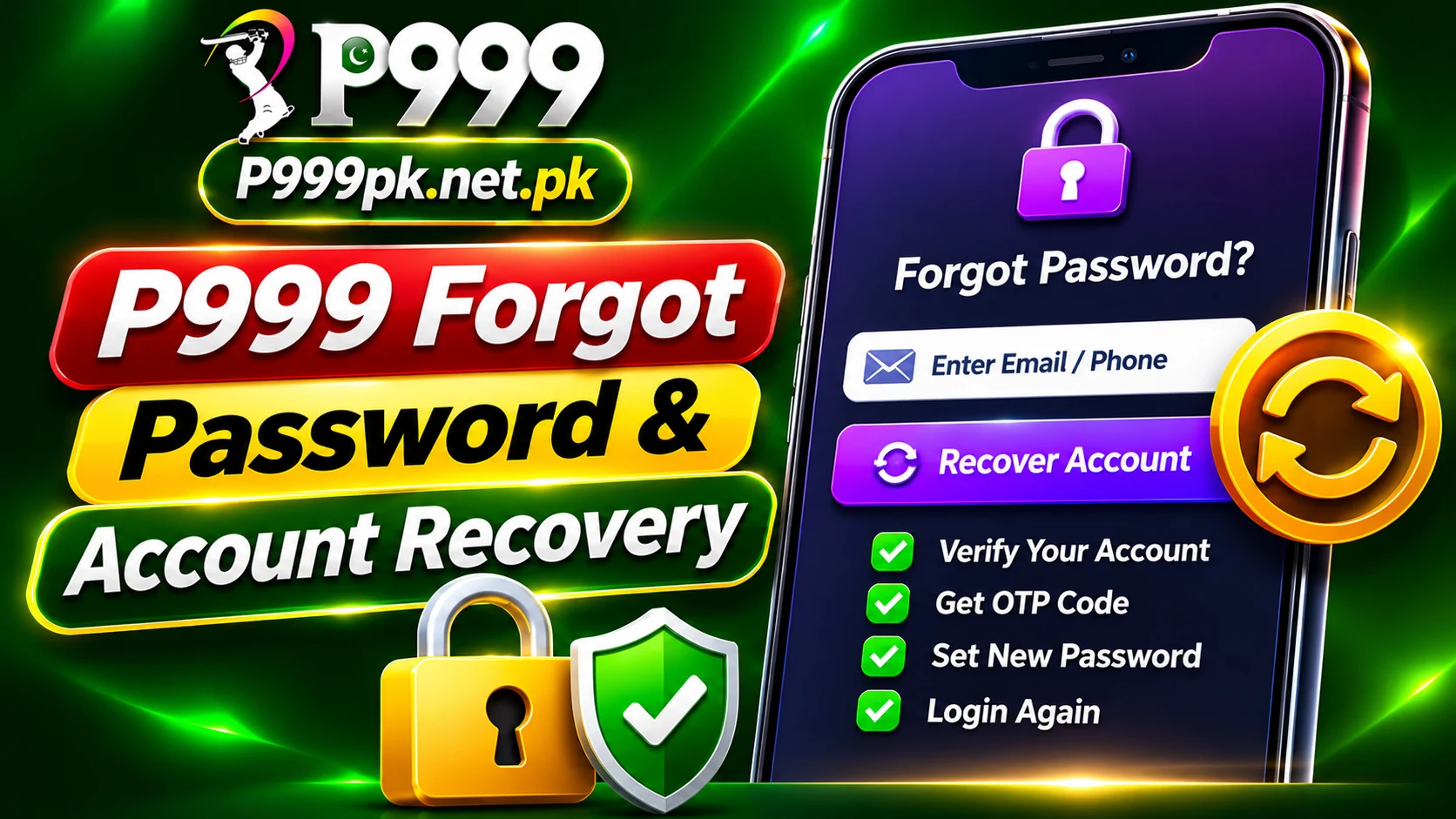
Tap Forgot Password
On the login screen choose the forgot password option.
- 2
Verify your number
Enter your registered mobile number and the OTP you receive.
- 3
Set a new password
Use a strong password you have not used elsewhere.
Forgot Withdrawal Password
Open Profile › Security Center and look for the change or reset option. If it needs verification you cannot complete, contact in-app support with your user ID.
Secure the Account Afterwards
- Check Login device and remove unknown phones
- Change both passwords if you suspect misuse
- Never share OTP codes, even with “support” on WhatsApp
Play Responsibly
- Only adults 18+ should use gaming apps.
- Set a budget and never chase losses.
- Never share your password, OTP or withdrawal password.
- Use only official links and in-app support.
Frequently Asked Questions
Contact in-app support with your user ID; only the operator can update account details.