
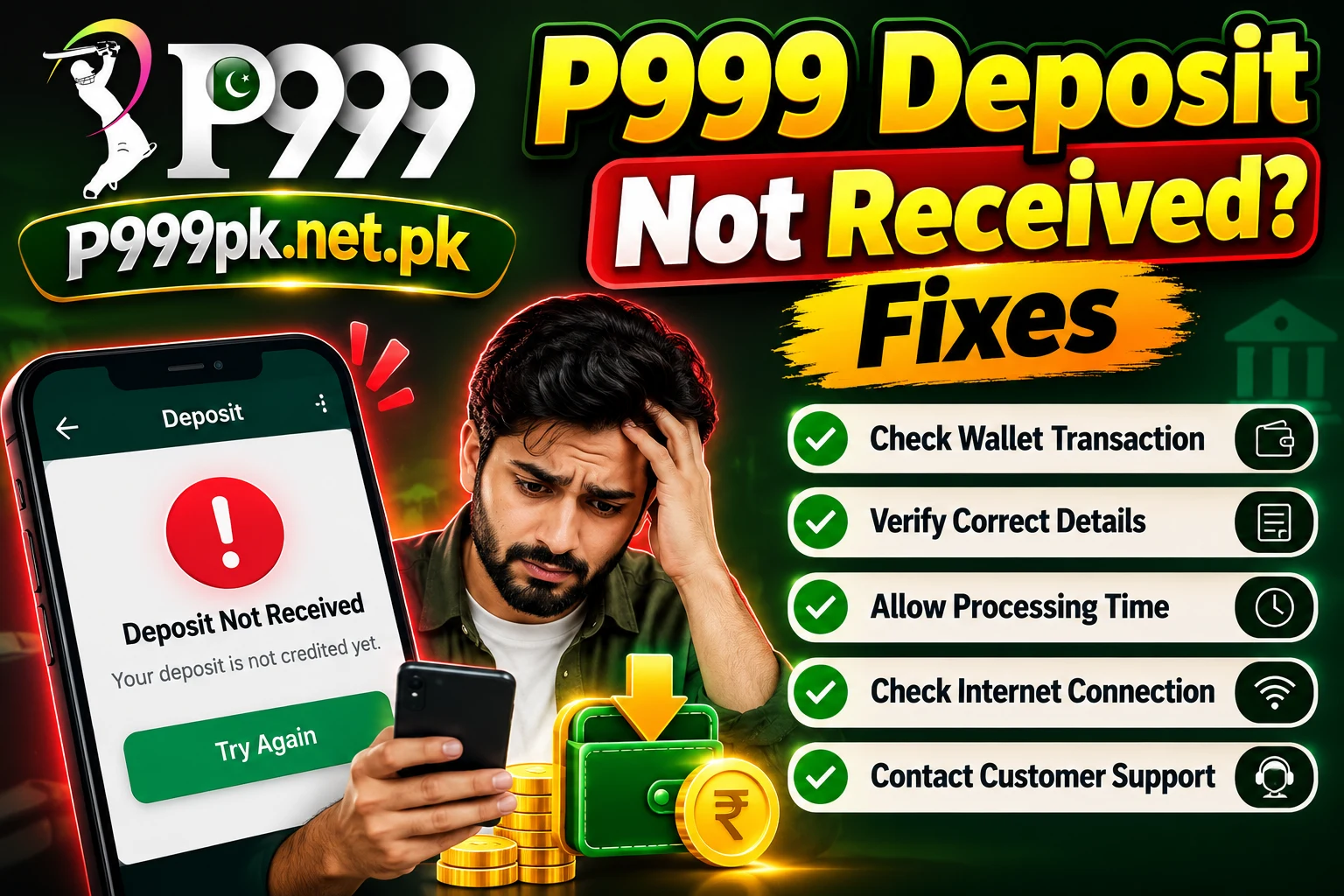
Why a Deposit Can Stay Pending
Network delay
Wallet confirmations sometimes reach the operator late, especially at busy hours.
Wrong amount
Paying a different amount from the order can stop automatic matching.
Expired order
Paying after the cashier order timed out may need manual review.
Missing reference
Some channels need the transaction ID entered in the app.
Step-by-Step Checks
- 1
Check your wallet SMS
Confirm the money actually left your JazzCash or Easypaisa account and note the transaction ID.
- 2
Open My Records
In Profile › My Records see whether the deposit shows as pending, failed or success.
- 3
Wait a short time
Give it some minutes and refresh before doing anything else.
- 4
Contact Support
Send your user ID, amount, time and transaction ID with a screenshot of the receipt.
What Not to Do
- Do not pay the same order twice
- Do not send money to a number given in a private chat
- Do not share your wallet PIN with anyone, including “agents”
Play Responsibly
- Only adults 18+ should use gaming apps.
- Set a budget and never chase losses.
- Never share your password, OTP or withdrawal password.
- Use only official links and in-app support.
Frequently Asked Questions
Refresh after a few minutes. If My Records still shows pending, contact in-app support with your receipt.
Refunds depend on the operator and your wallet provider. Keep your transaction ID and report it quickly.