
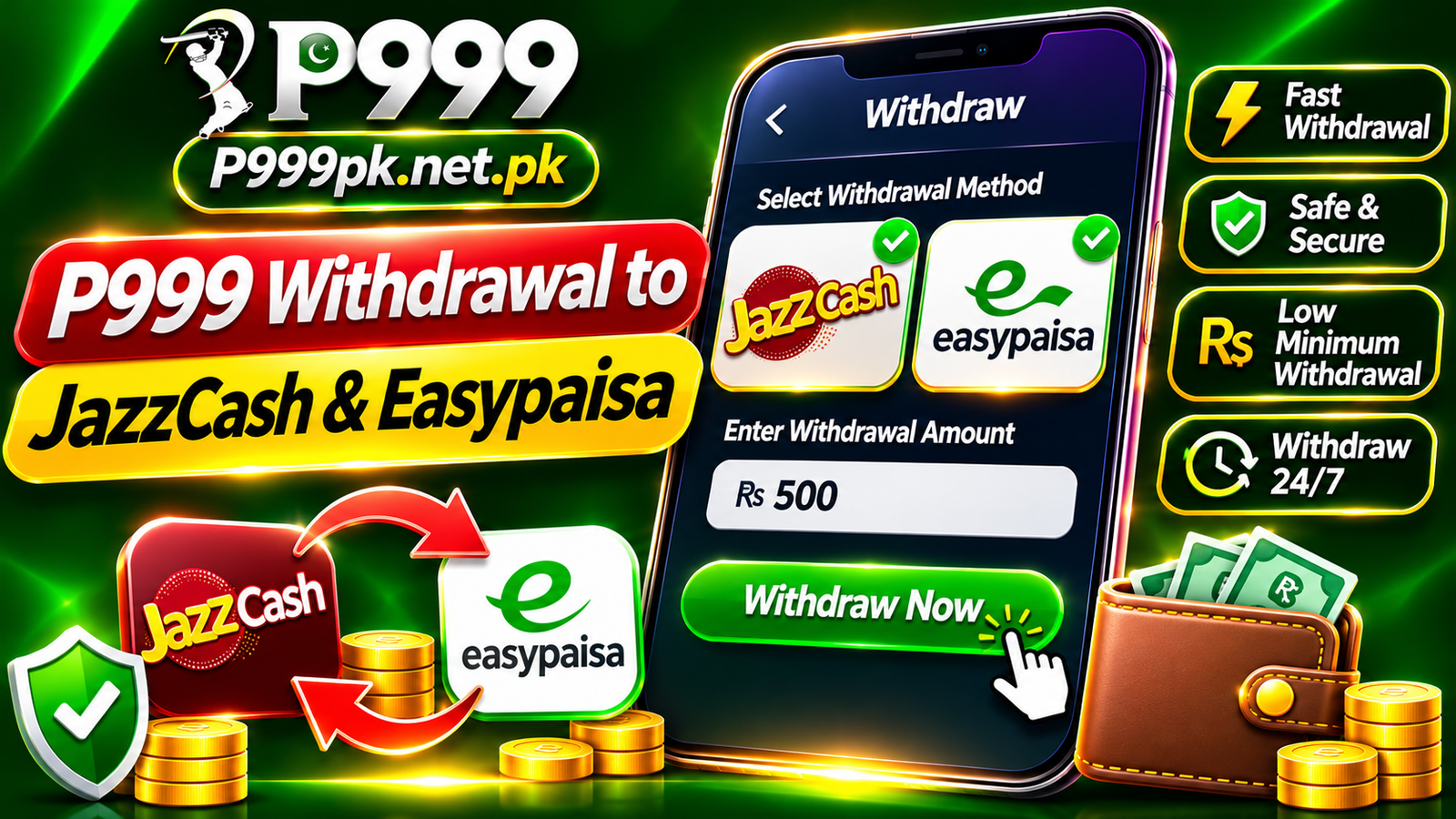
Bind Your Wallet
- 1
Open Profile
Tap Profile in the bottom bar, then Manage withdrawal.
- 2
Choose wallet type
Select JazzCash or Easypaisa, whichever the cashier currently lists.
- 3
Enter account details
Type the mobile wallet number and the account holder name exactly as registered.
- 4
Set withdrawal password
Create it in Security Center. Keep it different from your login password.
Request a Withdrawal
- 1
Tap Withdraw
Open Withdraw from the top of Profile or the side menu.
- 2
Enter amount
Stay within the minimum and maximum the screen shows.
- 3
Confirm
Enter your withdrawal password and submit, then track it in My Records.
Common Rejection Reasons
- Name on the wallet does not match the account
- Bonus wagering not completed yet
- Amount below the minimum
- Wrong wallet number entered
Play Responsibly
- Only adults 18+ should use gaming apps.
- Set a budget and never chase losses.
- Never share your password, OTP or withdrawal password.
- Use only official links and in-app support.
Frequently Asked Questions
Use a wallet in your own name. Mismatched names are a common reason for rejection.
Timing is set by the operator and can vary. Check its status in My Records.